
A 2026 Guide to Minecraft: Essential First Steps for New Players
Mastering the essential Minecraft beginner tips for 2026, from punching your first tree to building a secure shelter, is the critical first step to transforming from a vulnerable newcomer into a confident master of survival and crafting.
As we approach 2026, Minecraft remains a titan of the gaming world, continuously evolving with major updates that introduce new biomes, mobs, and mechanics. For the steady stream of newcomers discovering its blocky universe, the sheer scope can be daunting. Where does one even begin in a world of infinite possibility? The journey from a vulnerable newcomer to a master builder and explorer starts with mastering the fundamentals of survival and crafting. This guide, updated for the modern era of Minecraft, consolidates the most critical first-day advice to ensure your adventure begins on solid ground.
The First Hour: From Nothing to Something
Your initial spawn is a moment of pure potential—and vulnerability. With empty hands and no shelter, the infamous first night looms. What is the single most important action a new player must take? Punch a tree. This iconic first step is non-negotiable. Wood logs are the foundational resource for everything that follows. Convert them into planks in your inventory, and use those planks to create your first major milestone: a Crafting Bench.
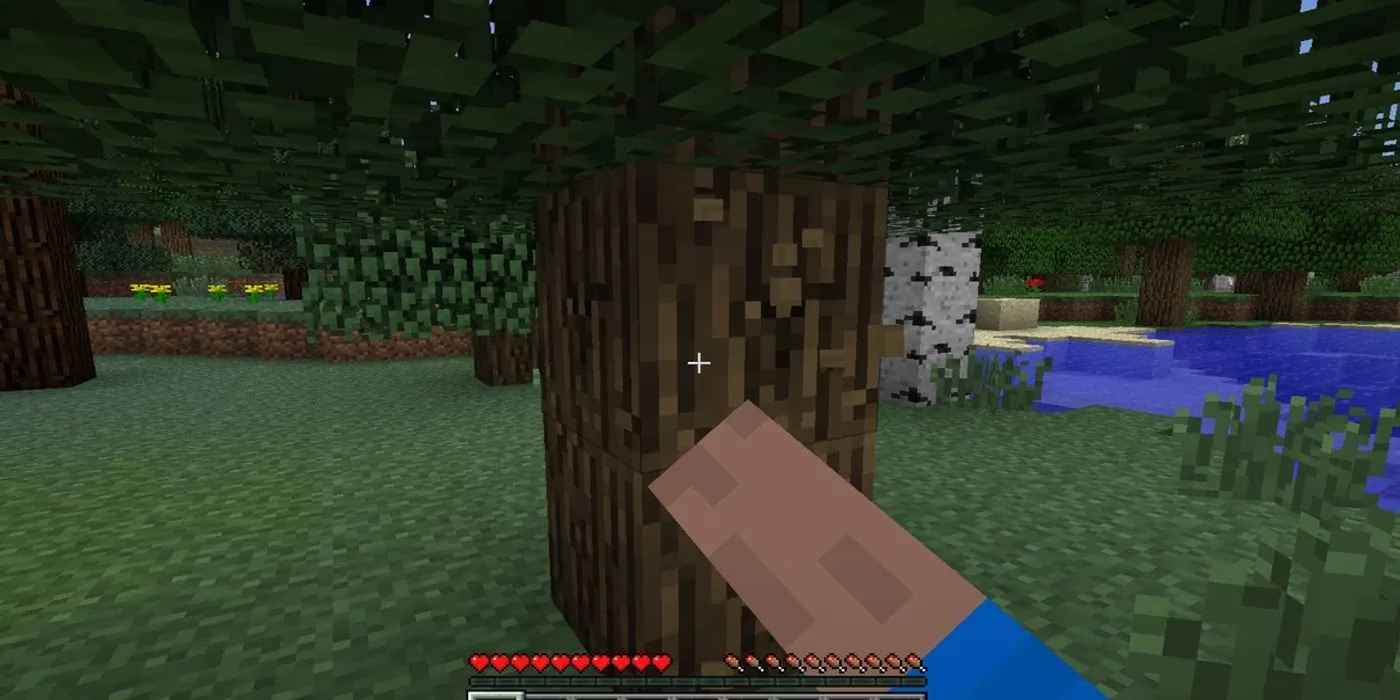
With a Crafting Bench, you unlock the recipe for basic tools. Craft sticks and combine them with planks to make a wooden pickaxe. This humble tool is your key to the next tier: stone. Mine cobblestone to craft a full set of stone tools—pickaxe, axe, shovel, sword—which are significantly more durable and efficient than their wooden counterparts. Isn't it remarkable how quickly you can progress from bare fists to a stone-age toolkit?
Securing Your Survival: Shelter and Safety
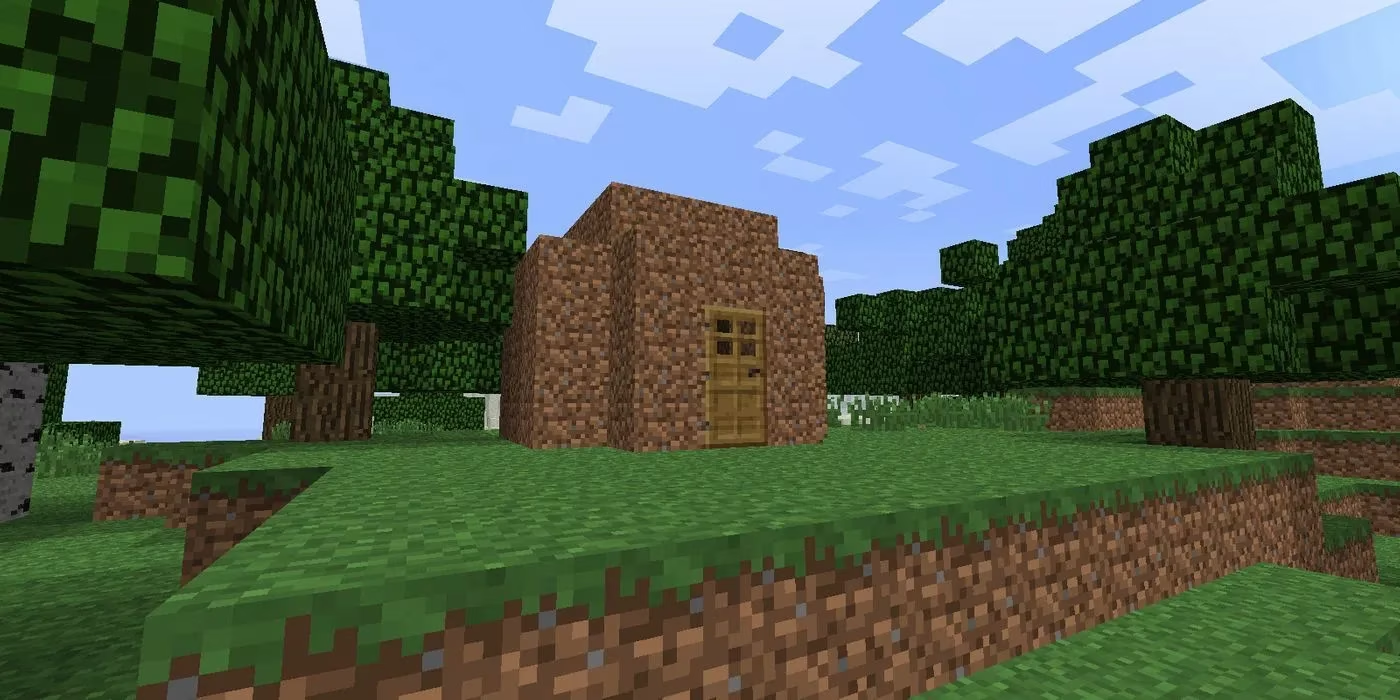
As daylight wanes, the threat level rises. Hostile mobs like Zombies, Skeletons, and the infamous Creeper emerge. Your primary objective before nightfall is to construct a basic shelter. This doesn't need to be a masterpiece; a simple box made of dirt, wood, or cobblestone will suffice. The goal is to create a sealed space where you can wait out the night in safety.
Inside this shelter, two things are paramount: light and a spawn point. Mobs spawn in darkness, so illuminate your interior with torches. You can craft these by combining a stick with either coal (mined) or charcoal (made by smelting wood logs in a furnace).
Next, work towards a bed. If you find sheep, collect their wool by shearing or defeating them. Combine three wool blocks with three wood planks to craft a bed. Clicking on it not only passes the night instantly but, crucially, sets your spawn point. Without this, death will respawn you far away at the world's origin, potentially losing all your progress and items. Have you remembered to secure your respawn location?
Sustenance and Organization
Survival isn't just about avoiding monsters; it's about managing your character's needs. Your hunger bar depletes with activity, and when empty, your health will suffer. Early food sources are vital:
-
🍖 Hunt animals like cows, pigs, and chickens for raw meat (cook it in a furnace for better saturation).
-
🐟 Fish using a crafted fishing rod.
-
🌳 Forage for apples from oak trees or sweet berries from bushes.
As you gather resources, your inventory will quickly become cluttered. The solution is to build a chest. Crafted from eight wood planks in a square shape, chests allow you to store excess items safely. This is especially important for protecting valuable tools and resources from loss upon death. Pro tip: before embarking on a dangerous expedition, store your best gear in a chest at home. If the worst happens, you won't have to start your tool collection from scratch.
Navigation and Early Progression
Venturing out from your base is exciting but risky. It's astonishingly easy to get lost in Minecraft's vast, procedurally generated landscapes. Therefore, one of your first administrative tasks should be to note your base's coordinates.
-
On Java Edition, press
F3(orFn + F3on Mac) to bring up the debug screen, which shows your X, Y, and Z coordinates. -
On Bedrock Edition, you must enable "Show Coordinates" in the world settings before creation or via the world options menu.
Write down these numbers! They are your digital compass, your guaranteed way back home. Would you risk hours of exploration without a reliable way to return?
With a secure base, basic tools, a food supply, and a storage system, you have successfully navigated the most perilous phase of Minecraft. You are no longer just surviving; you are poised to thrive. The next steps beckon: delving into mines for precious ores like iron and diamond, exploring mysterious structures, mastering the intricacies of farming, redstone, and enchanting, and perhaps even challenging the dimensions of the Nether and the End. But that foundation you built on the first day? That's what makes every grand adventure that follows possible. The world is now truly yours to shape.