
A Beginner's Guide to the Create Mod in Minecraft: From Automation to Mastery
Master the transformative Create mod for Minecraft with essential tips and strategies to unlock unparalleled player creativity and engineering. This guide provides the foundational knowledge needed to automate tasks and build stunning factories, making it the perfect starting point for new engineers.
The world of Minecraft is ever-expanding, and in 2026, the Create mod by simibubi remains a cornerstone of player creativity and engineering. This transformative mod blends science and engineering to automate tasks, from deforestation to complex item logistics, all while providing stunning aesthetic materials for builds. With the upcoming Minecraft movie potentially drawing new audiences to the game, the appeal of deep, creative modifications like Create is stronger than ever. While it is a relatively straightforward mod, knowing where to begin can be daunting. This guide offers essential tips and strategies to help new engineers embark on their automation journey.
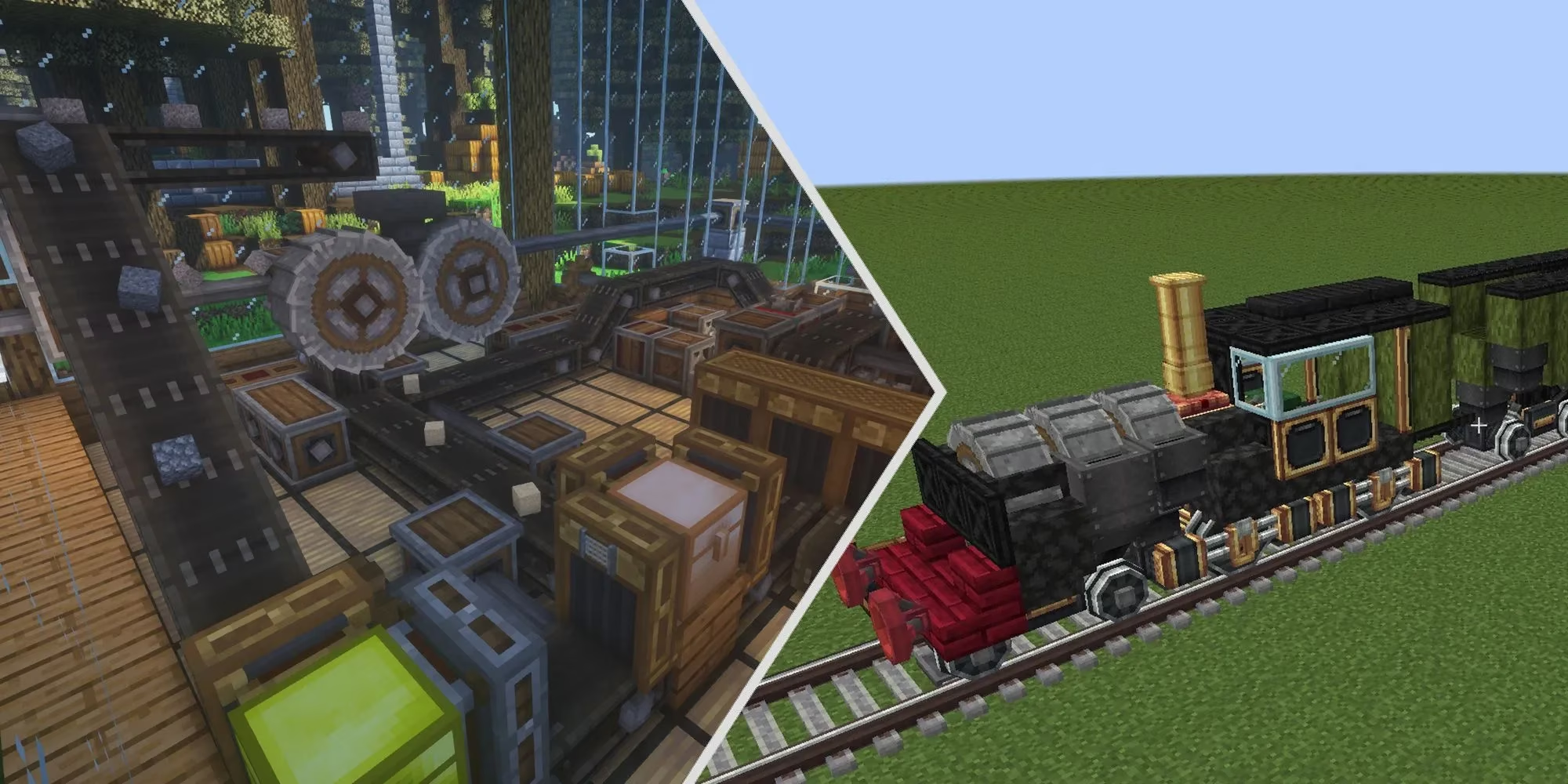
12. Ponder To Understand Mechanics :thinking:
Before crafting a single gear, familiarize yourself with the Ponder Index. Pausing the game reveals a goggle icon; clicking it opens a visual encyclopedia. Here, you'll find animated tutorials for most basic machines and an introduction to essential materials like Andesite Alloy, Copper, Zinc, Gold, and Brass. In-game, you can hover over any Create component and press 'W' to activate a pondering sequence, showing exactly how it functions. This built-in guide is an invaluable starting resource—don't overlook it.
11. Build Your Workspace :hammer_and_wrench:
Ambition is great, but every great project starts with a clean slate. Before constructing a sprawling factory or a moving castle, designate and prepare an area. Whether you clear a forest, find a perfect world seed, or carve out an underground cavern, the choice is yours. Just remember to keep track of your material stockpiles and experiments; losing your resources in a chaotic workshop is a frustrating setback.
10. Gather Basic Materials :pick:
Create introduces new materials and processing stages for familiar ones. Your initial gathering list should include:
-
Zinc: A new ore found alongside vanilla ores.
-
Andesite Alloy: Crafted from Andesite and Iron.
-
Brass: An alloy made from Copper and Zinc.
-
Rose Quartz: Created from Quartz and Redstone.
You'll also need processed forms of common ores, like crushed ores, nuggets, and sheets. Stockpiling these basics is the first tangible step in your Create adventure.
9. Chop Down Trees With A Mechanical Saw :evergreen_tree:
Bid farewell to tedious tree punching! The Mechanical Saw automates logging. Place the sawblade against the bottom log block, use a Hand Crank to generate rotational force, and watch the entire tree fall realistically, with all leaves instantly cleared. It's efficient and satisfying.
| Component | Crafting Materials |
|---|---|
| Hand Crank | 3x Any Planks, 1x Andesite Alloy |
| Mechanical Saw | 1x Iron Ingot, 1x Iron Sheet, Andesite Casing |
8. Get To Know Glue :glue_stick:
Glue is the unsung hero for ambitious builders. This simple tool allows you to bind multiple blocks into a single movable entity, enabling the creation of complex factories, vehicles, and even entire moving structures. The modern glue tool works by right-clicking on two objects to connect them at a fixed point, a streamlined improvement over older versions.
7. Craft Backup Cogwheels :gear:
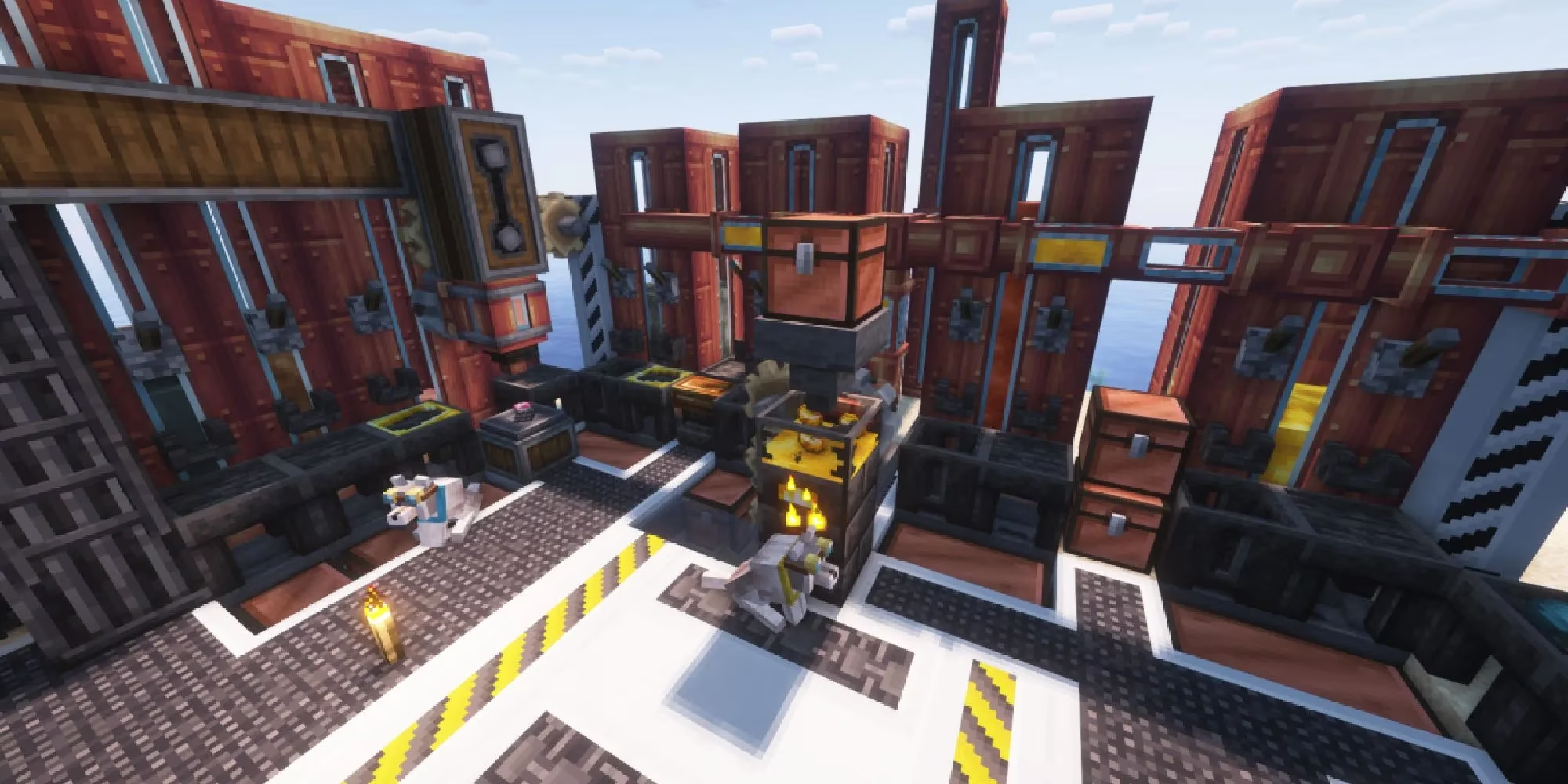
Cogwheels are the literal driving force of Create. You will never have enough. They are crucial for constructing and powering early-game machines and add fantastic steampunk flair as decoration. Craft them in bulk:
-
Small Cogwheels: Stacks of 8 using Wood and Andesite Alloy.
-
Large Cogwheels: Stacks of 2 using the same materials.
Always keep a surplus on hand, along with gearboxes, to troubleshoot and expand your mechanical networks.
6. Build A Mechanical Press :factory:
One of your first major builds should be the Mechanical Press. Powered initially by a Water Wheel, it presses ingots into sheets. Gold sheets are particularly important, as they are used to craft two vital tools:
-
Engineer's Goggles: Allow you to visualize the speed and kinetic stress of energy sources.
-
Wrench: Essential for changing the orientation of components and rearranging cogwheel connections.
You can manage without goggles, but the wrench is non-negotiable for precise builds.
5. Understand Different Versions Of Energy :zap:
Create uses Kinetic Energy (often called Rotational Force or Stress) to power machines. Knowing your sources is key:
-
Manual (Hand Crank): Basic but limited.
-
Water Wheels: Common early-game source; relatively slow.
-
Windmills: Generate more power, great for mid-game.
-
Steam Engines: High-output, late-game power solution.
Wearing your Engineer's Goggles lets you see a machine's Kinetic Stress Impact. If a power source is Overstressed, it cannot meet the machine's demand, forcing you to upgrade your energy infrastructure.
4. Build A Simple Auto-Miner :rocket:
Say goodbye to manual mining! Create allows you to build auto-miners—contraptions that drill through blocks and collect resources automatically. There are two popular designs:
:small_blue_diamond: Rail-Based Miner: Moves along a pre-laid track, mining everything its drills touch. Resources are stored in attached chests.
:small_blue_diamond: Self-Laying Track Miner: A more advanced version that places its own railway, allowing for fully autonomous, set-and-forget mining operations.
Detailed tutorials for both types are available from creators like Monkeyfarm and Deosil25 on YouTube.
3. Watch Create Mod SMPs :tv:
The mod's depth is immense, and learning from experienced players is invaluable. Watching Create-focused Survival Multiplayer (SMP) series on platforms like YouTube provides inspiration and practical knowledge. You can observe experts designing, troubleshooting, and executing incredible projects.
:star: Highly Recommended Series: Check out collaborations featuring creators like Tango Tek and BdoubleO100. Their series showcase awe-inspiring builds, from intricate factories to fully functional game mechanisms, offering a wealth of ideas you can adapt for your own world.
2. Experiment and Iterate :test_tube:
Don't be afraid to fail! The heart of Create is experimentation. Start with small, functional systems—like an automatic tree farm using the Mechanical Saw and a conveyor belt—before scaling up. Use the Ponder system frequently to revisit mechanics. Often, the most elegant and efficient designs come from tweaking and rebuilding initial concepts. Remember, every broken gear or overstressed engine is a learning opportunity.
1. Integrate with Complementary Mods :link:
While Create is powerful alone, its potential multiplies when used with other mods. Consider adding mods that enhance transportation, storage, or aesthetics to create a seamless automated ecosystem. Popular choices in 2026 include mods that add:
-
Advanced logistics and item sorting.
-
New decorative blocks that match Create's industrial style.
-
Additional world-generation features to provide more resources for your ambitious projects.
This integration allows you to build interconnected systems far beyond the scope of any single modification, truly customizing your Minecraft experience. The journey with Create is one of limitless creativity and engineering satisfaction. By starting with these foundational tips, any player can transform their blocky world into a marvel of automated invention.