
Minecraft Bundles: Your Ultimate 2026 Guide to Crafting & Using This Game-Changing Storage
Bundles, Minecraft's essential 2026 storage tool, revolutionize inventory management by consolidating diverse items into a single slot.
Every seasoned Minecraft explorer knows the struggle: your inventory fills up faster than a creeper can sneak up on you! You're out there, mining diamonds, gathering flowers, and suddenly, bam—no more space. Chests are great, but who wants to trek all the way back to base just to drop off some cobblestone? Well, say goodbye to that hassle, because bundles are here to save the day, and they're more essential than ever in 2026. These clever little packs are like a pocket-sized warehouse, letting you stash a whole bunch of different items into just one single inventory slot. Imagine that! No more frantic juggling between your hotbar and your backpack. Whether you're hoarding stacks of moss blocks for your latest mega-build or safeguarding those precious Netherite scraps, the bundle has got your back. It's the ultimate accessory for the minimalist organizer or the maximalist collector.
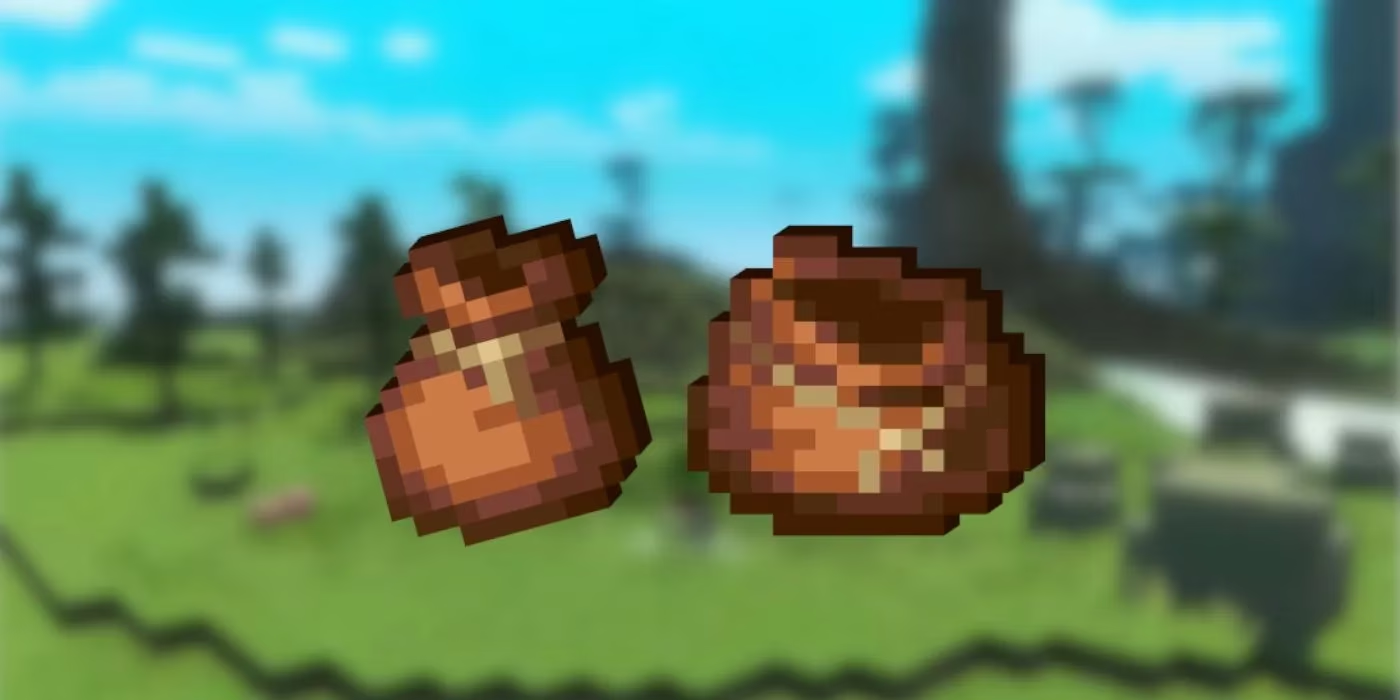
✨ How To Make Bundles: Your Crafting Blueprint
Alright, let's get down to business. First things first, you gotta make sure you can actually get bundles. As of 2026, they're a fully integrated, standard feature in both Minecraft Java and Bedrock editions—no more experimental toggles needed! So, you're all set to craft. The recipe is simple but requires some specific hunting.
What You'll Need:
-
Rabbit Hide x6
-
String x2
Where to Find Them:
| Material | How to Get It |
|---|---|
| String | Defeat spiders or striders, break cobwebs, go fishing, or get lucky with a cat's gift. |
| Rabbit Hide | Hunt rabbits or foxes, or again, befriend a generous feline. Those cats are full of surprises, honestly! |
Once you've gathered your materials, head to a crafting table (or just use your personal 2x2 grid). Here’s the layout:
-
Place 1 Rabbit Hide in the top-middle slot.
-
Place 1 String in the top-left and top-right slots.
-
Fill the entire bottom row (three slots) with Rabbit Hide.
-
Place 1 Rabbit Hide in the middle-left and middle-right slots.
And voilà! Drag that beautiful new bundle into your inventory. It's ready for action.
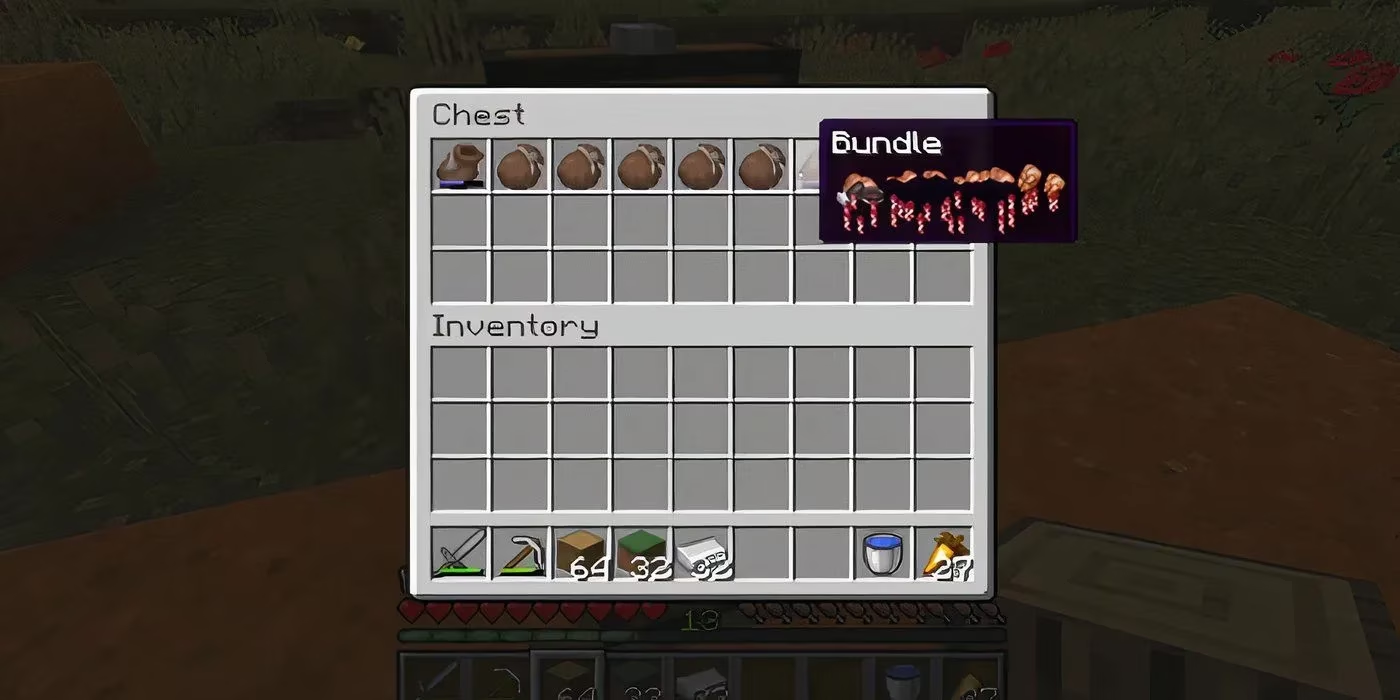
🎒 How To Use Bundles: Master Your Storage
So you've got your bundle. Now what? Using it is a breeze and will change your inventory management game forever.
Storing Items:
You've got two main methods:
-
Method A: Pick up the bundle from your inventory, then just click on any item stack you want to put inside. It'll magically suck it right in!
-
Method B: Pick up an item first, then hover over the bundle and click. Same result, different vibe.
Keep an eye on the little bar at the bottom of the bundle icon—it shows you how full it is. A bundle can hold up to 64 stackable items' worth of stuff. You can mix and match! Throw in a stack of dirt, three iron ingots, a golden apple, and a poppy. It doesn't mind the chaos.
Taking Items Out:
This is where it gets really smart.
-
Need the last thing you put in? Just left-click to pick up the bundle, then right-click on an empty inventory spot. Poof, there it is!
-
Looking for something specific? Hover over the bundle and right-click (or use the scroll wheel) to open a mini-menu showing everything inside. Click on what you want, and it pops out.
-
Emergency dump? Put the bundle on your hotbar, exit your inventory screen, and right-click on the ground. Everything spills out at once—perfect for a quick sort or, you know, if a Pillager patrol suddenly shows up and you need to move fast. Talk about a life-saver!
💡 Pro Tips & Clever Uses for 2026
Bundles aren't just for clutter; they're strategic tools. Here are some genius ways players are using them now:
-
The Miner's Best Friend: Pack a bundle with torches, food, a spare pickaxe, and your ores. One slot for all your mining essentials. No more digging through your inventory mid-cave!
-
The Builder's Organizer: Dedicate bundles to specific projects. One for redstone components, one for specific wood types, another for decorative blocks like flowers and corals. Your creative workflow has never been smoother.
-
The Treasure Keeper: Keep your rarest finds—like that first Netherite ingot or a Notch apple—safe in a dedicated bundle. It feels more special than tossing it in a chest, don't you think?
-
The Quick-Gift Bag: Heading to a friend's server? Pre-load a bundle with useful goodies as a housewarming present. It's the thoughtful touch that says, "I'm a pro."
In the end, the bundle is more than just an item; it's a philosophy. It's about working smarter, not harder, in the vast, blocky world. It lets you focus on what really matters: exploring, building, and surviving in style. So go on, craft a few, and feel the glorious freedom of an inventory that finally breathes easy. You'll wonder how you ever played without them.